Busy bookkeepers and accountants often find themselves swamped with tasks like journal entries, client reports, and endless emails. What if you could streamline your workload and gain back precious time? Enter ChatGPT, your always-on AI personal assistant, ready to simplify your daily accounting challenges. It’s not about replacing your expertise; it’s about empowering you to work smarter, not harder.

ChatGPT is an advanced AI tool designed to understand and generate human-like text responses. For bookkeepers and accountants, this means a powerful ally capable of assisting with critical tasks. Imagine having a knowledgeable teammate who understands accounting principles and is available around the clock.
Key Ways ChatGPT Boosts Your Bookkeeping Efficiency
1. Simplifying Journal Entries
Traditionally, creating journal entries required careful thought, distinguishing debits from credits for each transaction. Now, you simply instruct ChatGPT, “Create a journal entry for $1,200 rent paid from the bank on May 1st.” It instantly provides the accurate entry.
This capability extends to various transactions, from sales and expenses to complex payroll processing. When you consider automating payroll, having a clear checklist for AI assistant for payroll processing helps ensure accuracy and compliance. This way, you streamline your workflow without sacrificing precision.
2. Making Financial Reports Understandable for Clients
Many clients find financial reports overwhelming. Instead of lengthy explanations, you can paste a report into ChatGPT and ask for a concise summary. It quickly distills complex data into simple, client-friendly language. This approach saves you time and builds client confidence in your services.
3. Drafting Professional Emails Effortlessly
Writing emails, especially reminders or follow-ups, can consume valuable time. ChatGPT can generate professional emails in seconds. Just type, “Write a reminder email for missing receipts,” and it composes the message for you. From thank-you notes to deadline reminders, you’ll always have the perfect words.
4. Answering Client Questions Swiftly
Clients often ask repetitive questions like, “Why is my profit different from my bank balance?” or “Do I need to keep all receipts?” You can use ChatGPT to craft clear, consistent answers. Save these responses as templates for even quicker, professional replies.
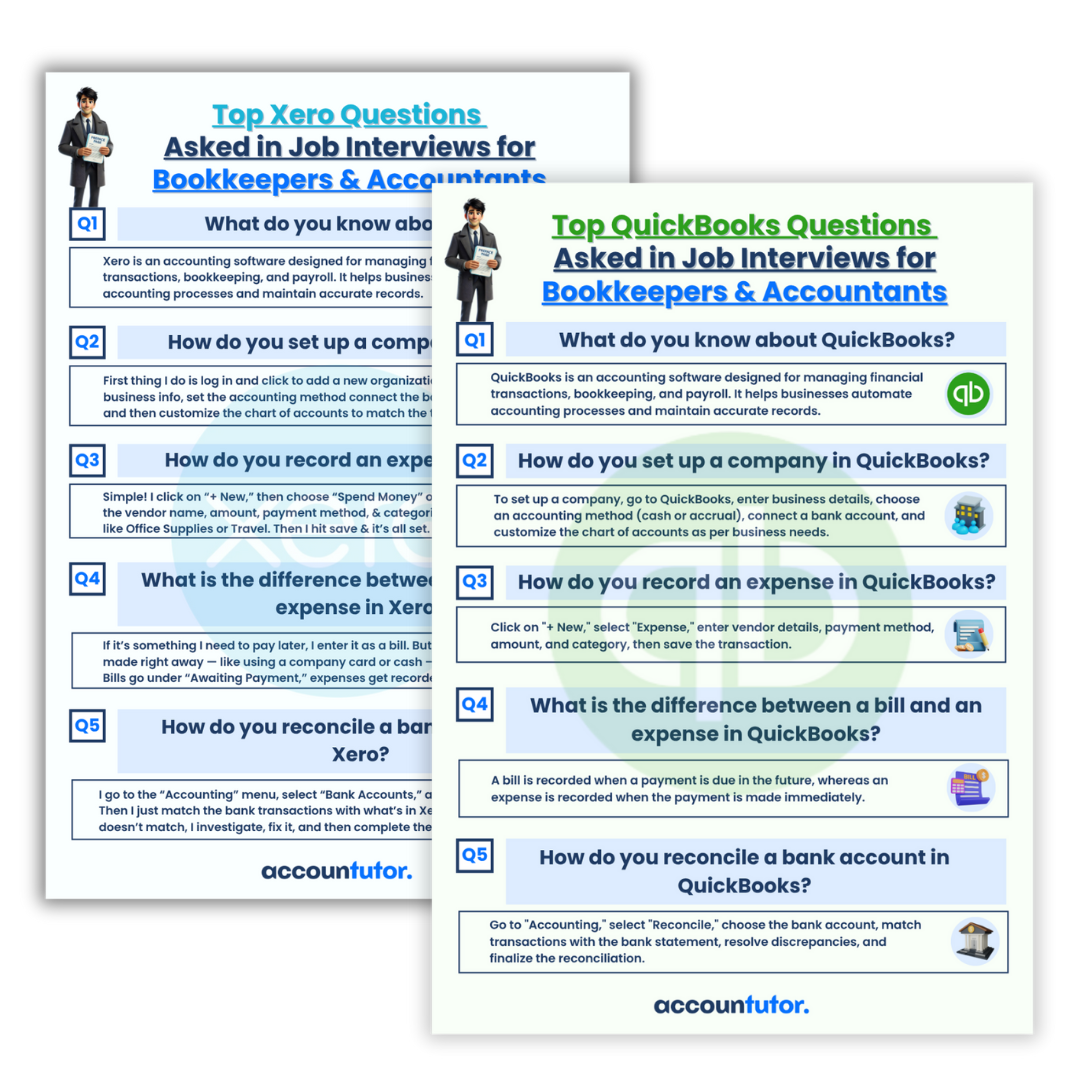
5. Seamless Integration with QuickBooks and Xero
If you use popular accounting software like QuickBooks Online or Xero, ChatGPT enhances your experience. It helps you interpret reports, explain specific transactions, or summarize overall financial activity. You don’t need to be a tech guru; just ask your questions, and ChatGPT provides the guidance.
Mastering ChatGPT for Bookkeeping with Accountutor
To truly leverage ChatGPT’s power, learn how to formulate effective prompts. Platforms like Accountutor offer step-by-step lessons, complete with ready-to-use prompts and video tutorials. This training helps you save hours each week by expertly combining ChatGPT with tools like QuickBooks and Xero.
Become the Modern Bookkeeper
Today’s successful bookkeepers embrace smart tools like ChatGPT. They complete tasks faster, serve clients better, and open doors to new opportunities. Adopting AI isn’t just about efficiency; it’s about positioning yourself for future career growth.
Why Choose Accountutor.com?
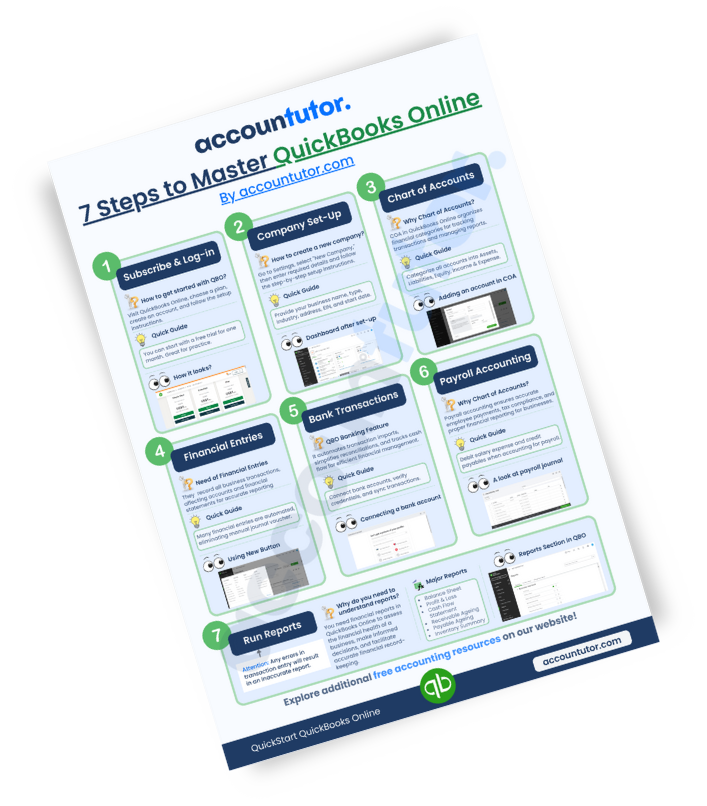
Accountutor.com provides specialized courses like “ChatGPT for Bookkeepers and Accountants,” alongside practical training for QuickBooks Online, Xero Accounting, and Bookkeeping Basics. Join us to streamline your work and future-proof your accounting career.
FAQs about AI in Bookkeeping
Q1: Will ChatGPT replace bookkeepers?
No, ChatGPT is a tool designed to assist bookkeepers, not replace them. It automates repetitive tasks, allowing professionals to focus on higher-value activities and strategic analysis.
Q2: How accurate are ChatGPT’s responses for financial tasks?
ChatGPT provides highly accurate responses when given clear and specific prompts. However, always review and verify any AI-generated financial data or entries to ensure compliance and correctness.
Q3: Can ChatGPT handle sensitive client data securely?
When using ChatGPT or any AI tool, exercise caution with sensitive client data. Avoid inputting confidential information directly. Instead, use anonymized data or general descriptions for tasks.
Q4: Is there a learning curve to using ChatGPT effectively for accounting?
While basic use is intuitive, mastering ChatGPT for specific accounting tasks requires learning how to craft effective prompts. Courses and resources are available to help you quickly become proficient.
Q5: How does a checklist for AI assistant for payroll processing help?
A checklist ensures you cover all necessary steps and considerations when using an AI for payroll. It helps verify data accuracy, compliance with regulations, and proper integration with your accounting systems, making the process more robust and error-free.

Keywords: ChatGPT for bookkeeping, AI in accounting, payroll processing AI, accounting automation, journal entries with AI, financial report summaries, email drafting AI, QuickBooks AI, Xero AI, AI assistant for payroll checklist