Unlock Efficiency: A Step-by-Step Guide to Claude AI for Accounts Payable
Are you ready to transform your accounts payable (AP) processes? Imagine a world where invoices are processed faster, errors are minimized, and your team can focus on strategic tasks instead of manual data entry. This isn’t a distant dream; it’s the reality that Claude AI can help you achieve.
This article provides a Step-by-step guide to Claude AI for accounts payable, showing you exactly how to leverage this powerful AI to revolutionize your financial operations. Let’s dive into making your AP workflow smarter and more efficient.
What Exactly is Claude AI?
Claude AI is a leading large language model developed by Anthropic. It excels at understanding, summarizing, generating, and even coding human-like text.
Unlike traditional automation tools, Claude uses advanced natural language processing to interpret complex financial documents and conversations, making it incredibly versatile for finance departments.
Why Integrate Claude AI into Accounts Payable?
Accounts payable departments often struggle with time-consuming, repetitive tasks. Think about manual invoice data entry, matching purchase orders, or responding to vendor inquiries.
Claude AI steps in as a powerful assistant, automating these processes, reducing human error, and freeing up your team for more critical analytical work. It brings speed, accuracy, and scalability to your AP operations.
Your Step-by-Step Guide to Claude AI for Accounts Payable
Step 1: Understand Your Current AP Workflow
Before implementing any new technology, you need a clear picture of your existing processes. Document every step from invoice receipt to payment, noting bottlenecks and pain points.
This initial audit helps you pinpoint exactly where Claude AI can deliver the most impact and what specific tasks you want to automate first.
Step 2: Identify Automation Opportunities with Claude AI
With your workflow mapped, look for tasks ripe for AI intervention. High-volume, repetitive tasks like data extraction from invoices, categorizing expenses, or drafting vendor communications are prime candidates.
Claude AI’s ability to process and understand text makes it ideal for these types of operations.
Step 3: Setting Up Claude AI for Invoice Processing
This is often the first major application. Train Claude AI by providing examples of your invoices. You can prompt it to extract key information such as vendor name, invoice number, amount due, and due date.
Claude can then process new invoices, extract data, and even flag discrepancies, significantly speeding up initial processing.
Step 4: Automating Vendor Communications
Claude AI can draft responses to common vendor queries, send payment reminders, or even generate initial dispute resolution messages. This ensures timely communication and frees your team from routine email exchanges.
Always review AI-generated communications for accuracy and tone before sending them out.
Step 5: Enhancing Data Analysis and Reporting
Beyond processing, Claude can help you make sense of your AP data. Ask it to summarize spending patterns, identify potential cost savings, or generate reports based on extracted invoice data.
This provides valuable insights that can inform your financial strategy and budgeting.
Step 6: Integrate and Oversee
Claude AI works best when integrated with your existing accounting software. While AI automates tasks, human oversight remains crucial. Regularly review the AI’s outputs, especially during the initial phases, to ensure accuracy and continuous improvement.
Your team will become AI supervisors, validating results and handling exceptions.
Practical Applications of Claude AI in Accounts Payable
- Invoice Verification: Claude can cross-reference invoice details with purchase orders and receipts to detect mismatches.
- Expense Categorization: It can accurately categorize expenses based on invoice descriptions, improving financial reporting.
- Basic Fraud Detection: Claude can flag unusual invoice amounts, vendor names, or payment patterns that might indicate fraudulent activity.
- Query Resolution: Provide instant, accurate answers to common vendor questions, improving relationships and efficiency.
Challenges and Considerations
Implementing AI isn’t without its hurdles. Data security is paramount, so choose secure platforms and ensure compliance. Initial setup requires careful training and testing to achieve high accuracy.
Remember that Claude AI is a tool; it augments human capabilities rather than replacing them entirely.
Empowering Your AP Team with AI Insights
Embracing AI in accounts payable not only streamlines operations but also empowers your team. They can shift from mundane tasks to more analytical and strategic roles, boosting job satisfaction and professional growth.
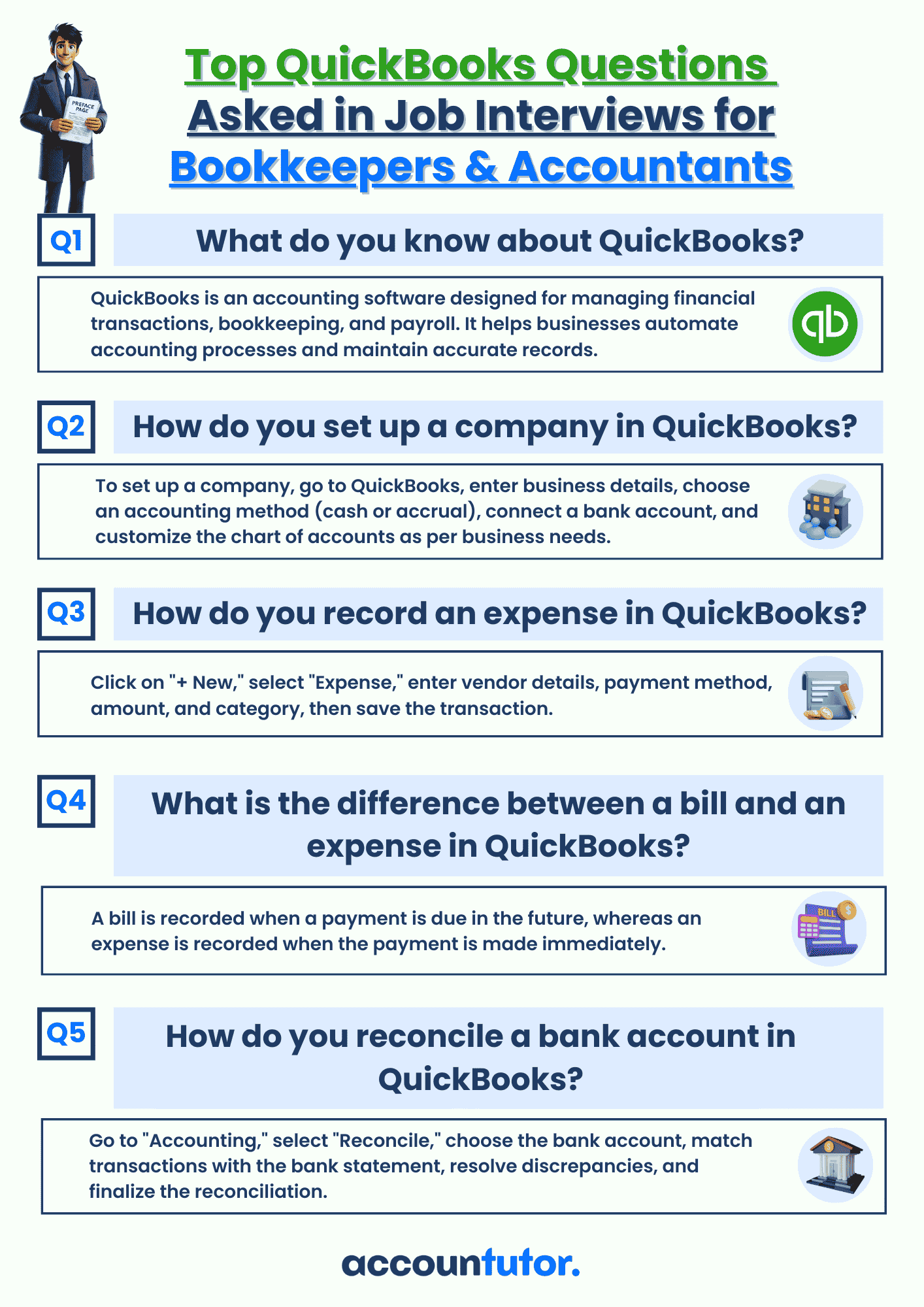
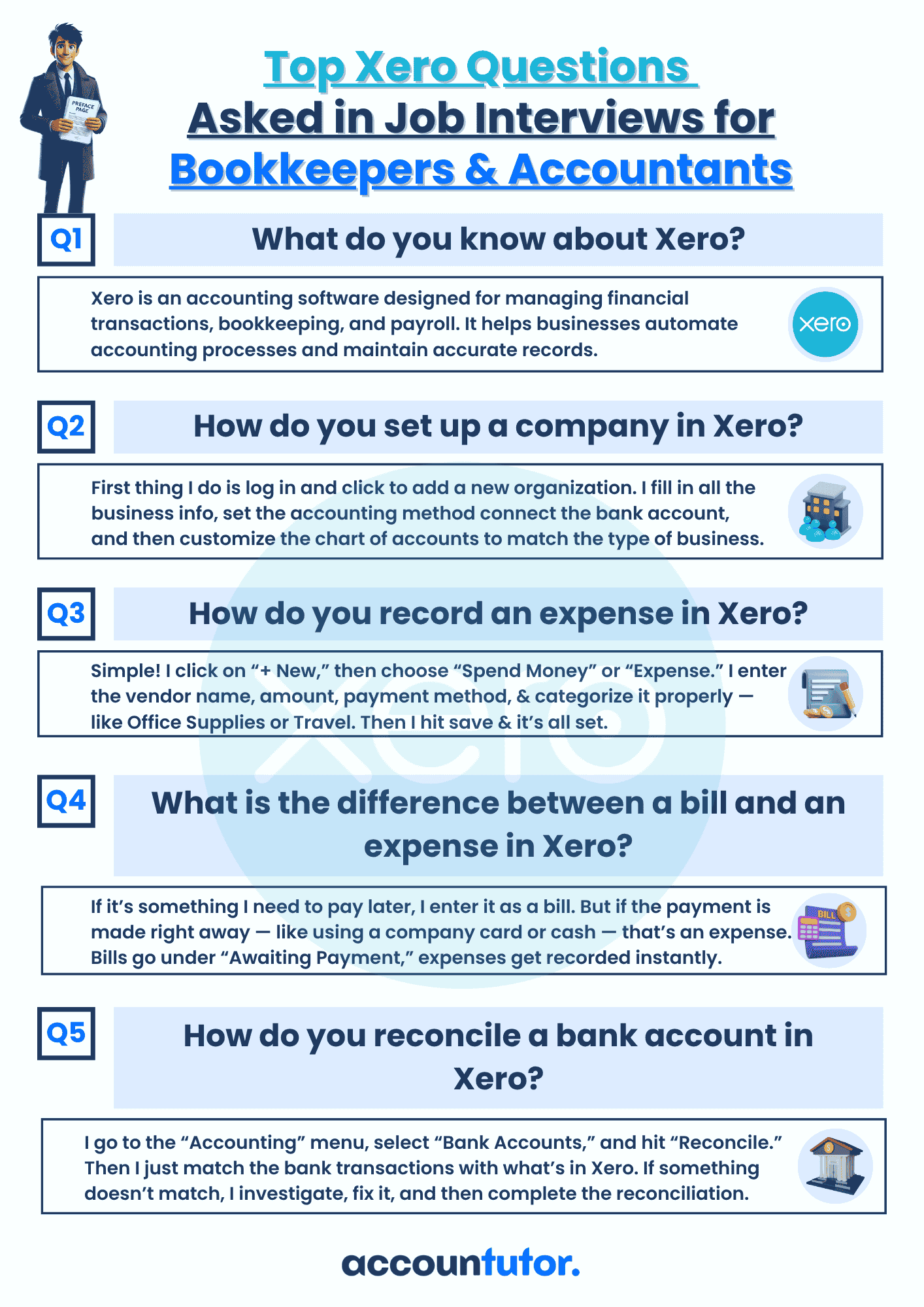
Staying updated with AI capabilities can also prepare finance professionals for future challenges, including relevant interview questions in an evolving job market.
The Future of Accounts Payable with AI
The integration of AI, like Claude, marks a significant shift in accounts payable. We can expect even more sophisticated automation, predictive analytics, and seamless integration across entire financial ecosystems.
Prepare your organization for a future where AI isn’t just an advantage, but a necessity for optimal financial health.
FAQ: Claude AI for Accounts Payable
Q1: Is Claude AI difficult to implement for accounts payable?
A1: While it requires initial setup and training, many AI platforms offer user-friendly interfaces. The key is to start with a clear understanding of your AP processes and integrate gradually.
Q2: Can Claude AI completely replace human AP staff?
A2: No, Claude AI is a tool designed to augment and assist human staff, not replace them. It handles repetitive tasks, allowing your team to focus on strategic analysis, complex problem-solving, and managing exceptions.
Q3: How secure is financial data processed by Claude AI?
A3: Data security is a top priority for AI developers like Anthropic. Ensure you choose a secure deployment model and adhere to all relevant data privacy regulations. Always verify the security measures of any AI solution you implement.
Q4: What’s the main benefit of using Claude AI in AP?
A4: The primary benefits are increased efficiency, reduced errors, faster processing times, and cost savings. It frees your team from manual tasks, allowing them to contribute more strategically to your organization.
Q5: Can Claude AI integrate with my existing accounting software?
A5: Many modern AI solutions offer API integrations or can be customized to work with popular accounting software. It’s crucial to evaluate compatibility during your planning phase to ensure a smooth workflow.
Keywords: Claude AI, accounts payable automation, AI in finance, financial technology, invoice processing, vendor management, AI for bookkeeping, accounts payable efficiency, financial automation, Anthropic Claude