Unlock Efficiency: Your AI Copilot for Bookkeeping and Beyond
As a bookkeeper or accountant, you know the daily grind well. You’re constantly juggling journal entries, deciphering reports, crafting emails, and following up with clients. It often feels like there aren’t enough hours in the day to tackle everything.
But what if you had a powerful ally that could help you automate repetitive tasks and simplify complex processes? That’s precisely where an AI copilot, like ChatGPT, steps in. It’s not here to replace your expertise, but to augment it, acting as your ever-present, intelligent assistant. 
What is an AI Copilot for Bookkeeping?
An AI copilot is an advanced tool that understands natural language and generates helpful, context-aware responses. For bookkeepers and accountants, this means practical assistance with real-world tasks. Imagine having a smart teammate who deeply understands accounting principles, ready to offer quick and accurate support whenever you need it.
Streamlining Your Daily Bookkeeping Tasks
1. Automate Journal Entries with Ease
Creating journal entries traditionally requires careful thought about debits and credits. Now, an AI copilot can simplify this significantly. Just provide a brief description, like “Create a journal entry for $1,200 rent paid on May 1st from the bank,” and it instantly provides the correct entry. This drastically reduces the time spent on routine transactions, from rent and sales to payroll, boosting your confidence and accuracy.
2. Simplify Financial Report Explanations for Clients
Most clients find financial reports overwhelming. They generally want clear, concise summaries rather than intricate details. Instead of spending valuable time translating complex data, you can input a report into your AI copilot and ask it to highlight the main points. It quickly generates an easy-to-understand summary you can share, making your job easier and enhancing client trust. 
3. Craft Professional Emails in Seconds
Drafting professional emails, especially follow-ups or reminders, can consume a lot of time. Your AI copilot can handle this task efficiently. Simply prompt it with something like, “Write a reminder email for missing receipts,” and it will generate a well-worded message instantly. Whether it’s a thank-you note or a deadline reminder, you’ll always have polished communication ready.
4. Answer Client Questions Swiftly and Consistently
Clients often ask similar questions, such as “Why is my profit different from my bank balance?” or “Do I need to keep every receipt?” Instead of composing new answers repeatedly, use your AI copilot to create clear, concise responses. You can even save these as templates for quick, professional replies, saving you significant time.
5. How to use AI Copilot for Bank Reconciliation
Bank reconciliation is a crucial process to ensure your internal records match your bank statements. An AI copilot can greatly assist here. You can feed it transaction lists and bank statements, asking it to identify discrepancies or suggest categorizations for unmatched items. It helps you quickly pinpoint missing entries, identify errors, and understand unusual transactions, making reconciliation much faster and more accurate.
While an AI cannot perform the final sign-off, it acts as a powerful analytical tool, highlighting potential issues. You can even ask it to draft explanations for common reconciliation items, saving time on documentation. This elevates your efficiency in a core bookkeeping function. 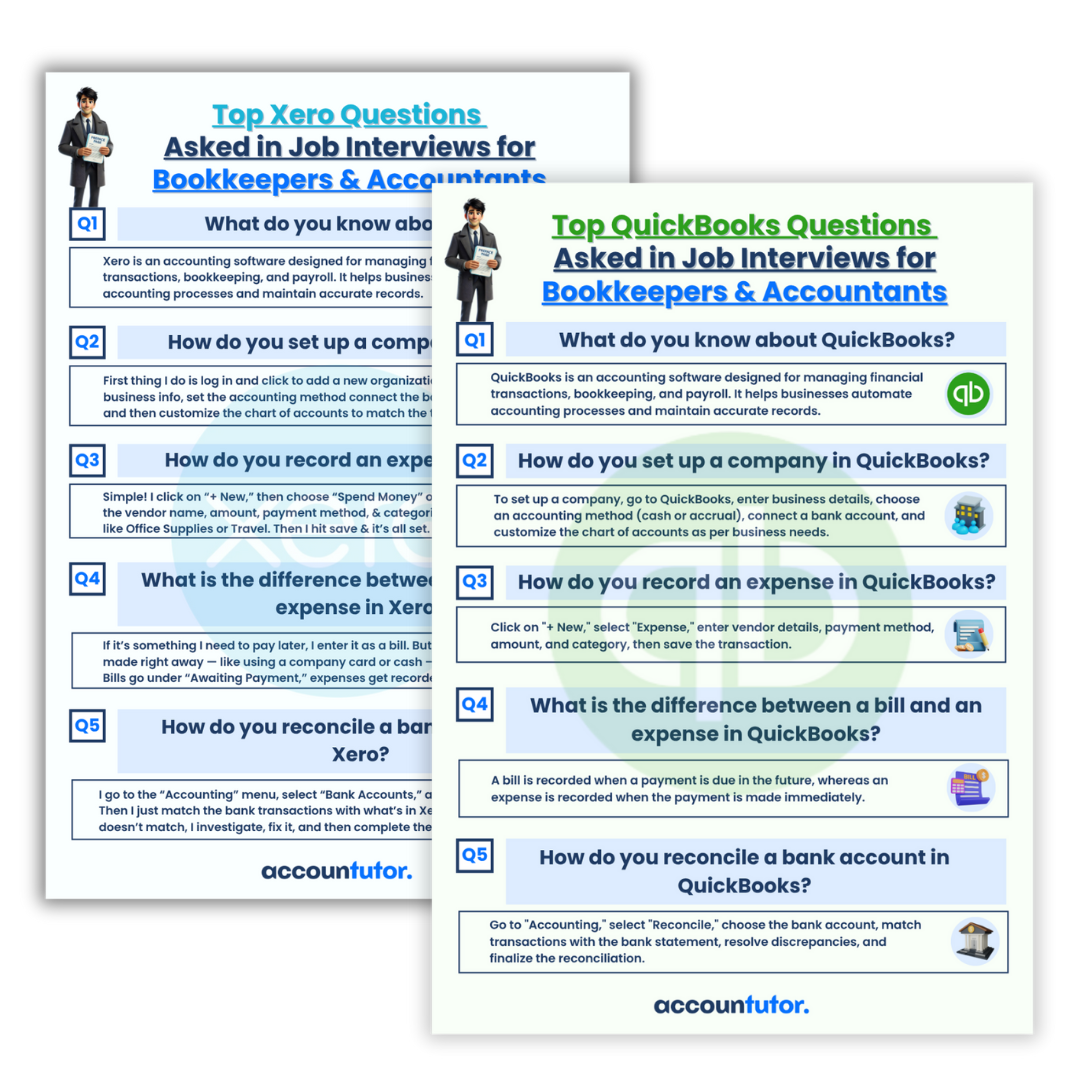
6. Seamless Integration with Accounting Software
If you utilize popular platforms like QuickBooks Online or Xero, an AI copilot becomes an invaluable asset. It helps you interpret complex reports, clarify specific transactions, or generate concise summaries directly related to your software data. You don’t need to be a tech guru; just ask your questions, and the AI will guide you through.
Become a Future-Ready Bookkeeping Professional
Today’s most sought-after bookkeepers embrace smart tools like AI copilots. They complete tasks faster, serve clients more effectively, and free up time for growth opportunities. Integrating AI into your workflow is a smart move to advance your career, reduce stress, and deliver superior service. 
Frequently Asked Questions (FAQ)
Q1: Can an AI copilot replace my role as a bookkeeper?
No, an AI copilot is designed to assist and enhance your capabilities, not replace them. It handles repetitive tasks and provides quick insights, allowing you to focus on strategic analysis and client relationships, leveraging your human expertise.
Q2: How secure is it to use AI for sensitive financial data?
Security depends heavily on the specific AI tool and how you use it. Always adhere to data privacy regulations and your firm’s security policies. Reputable AI tools often have robust security measures, but you should never input highly sensitive, unencrypted client data directly into a public AI without proper safeguards.
Q3: Is an AI copilot difficult to learn for someone without tech experience?
Generally, AI copilots like ChatGPT are designed to be user-friendly, responding to natural language prompts. Learning to ask effective questions (prompt engineering) is key, and many resources, including specialized courses, can help you quickly master its use.
Q4: Can an AI copilot help with tax preparation?
An AI copilot can assist with organizing and summarizing financial data relevant to tax preparation. It can help categorize expenses, compile reports, or answer general tax-related questions. However, always consult with a qualified tax professional for specific tax advice and final preparation.

Keywords: AI in accounting, bookkeeping automation, ChatGPT for finance, bank reconciliation AI, accounting software integration, financial reporting AI, journal entry automation, client communication AI, efficiency in bookkeeping, future of accounting