Are you a bookkeeper or accountant constantly juggling tasks? From precise journal entries to crafting clear client reports and sending countless emails, the daily grind can feel overwhelming. What if you could harness the power of artificial intelligence (AI) to lighten your load and streamline your workflow? AI isn’t here to take over your role; it’s designed to be your always-on assistant, providing quick and intelligent support whenever you need it.
Tools like ChatGPT have already demonstrated their value in various aspects of bookkeeping. They can help you with everything from generating accurate journal entries to summarizing complex financial data. But the power of AI extends beyond just number crunching; it also offers incredible potential for improving your client communication.
What is AI and Why Should Bookkeepers Embrace It?
AI, such as ChatGPT and Claude AI, represents a sophisticated set of tools capable of understanding and generating human-like text. For bookkeepers and accountants, this means automating repetitive tasks, gaining insights, and, crucially, enhancing how you interact with clients. Instead of manual, time-consuming processes, AI helps you work smarter and more efficiently, acting as a knowledgeable team member always ready to assist.
Imagine a smart tool that can instantly provide the correct journal entry for a transaction. Or one that can distill a complicated financial report into a few understandable bullet points for your clients. This is the practical advantage AI brings to your accounting practice, helping you focus on higher-value activities. 
Simplifying Core Bookkeeping Tasks with AI
One of the most tedious aspects of bookkeeping can be creating journal entries. Previously, you had to meticulously determine the debits and credits for each transaction. Now, with AI, you can simply input a request like, ‘Create a journal entry for a $1,200 rent payment on May 1st from the bank,’ and receive the accurate entry in moments. This drastically cuts down on time and reduces the chance of errors.
Explaining financial reports to clients often feels like speaking a different language. Clients typically want the high-level summary, not intricate details. You can paste a report into an AI tool and ask for a summary of key insights. This generates a clear, concise explanation that you can easily share, boosting client understanding and confidence.
Elevating Client Communication with Claude AI
While various AI tools excel in different areas, Claude AI shines in its ability to handle nuanced language and complex prompts, making it exceptionally useful for client communication. Crafting professional emails, follow-ups, and responses to client queries can be time-consuming. Claude AI helps you generate these communications quickly, ensuring they are well-written and professional.
For instance, if you need to send a reminder for missing receipts, you can prompt Claude AI to ‘Write a polite reminder email for missing receipts.’ It will quickly draft a suitable message, saving you valuable time. This ensures you always have the right words, whether it’s a thank-you note or a deadline reminder.
Your Essential Checklist for Claude AI for Client Communication
To maximize Claude AI’s potential in client interactions, follow this practical checklist:
- Clarity and Conciseness: Always prompt Claude AI to keep messages clear and to the point. Clients appreciate direct communication that doesn’t waste their time.
- Tone and Empathy: Specify the desired tone. Ask Claude AI to generate responses that are professional, empathetic, or firm, depending on the situation.
- Accuracy of Information: Double-check any financial figures or specific details Claude AI includes in its drafts. While powerful, AI can sometimes misinterpret context.
- Personalization: Instruct Claude AI to include personalized elements like client names or specific transaction references to make the communication feel tailored.
- Review and Approval: Before sending, always review Claude AI’s output. Ensure it aligns with your professional standards and brand voice.
Clients frequently ask similar questions, such as ‘Why is my profit different from my bank balance?’ or ‘Do I need to keep every receipt?’ Instead of drafting new explanations repeatedly, you can use Claude AI to formulate concise, clear answers. You can even save these responses as templates for future use, ensuring consistent and professional replies.
Seamless Integration with Accounting Software
AI tools like Claude AI and ChatGPT work well with popular accounting software such as QuickBooks Online and Xero. They can help you interpret reports, explain specific transactions, or even summarize software activity. You don’t need to be a tech expert; simply ask your question, and the AI will provide guidance.
Modern bookkeepers who integrate smart tools like AI into their practice stand out. They complete tasks faster, serve clients more effectively, and free up time for new opportunities. Leveraging AI is a smart career move that reduces stress and enhances the quality of your services. 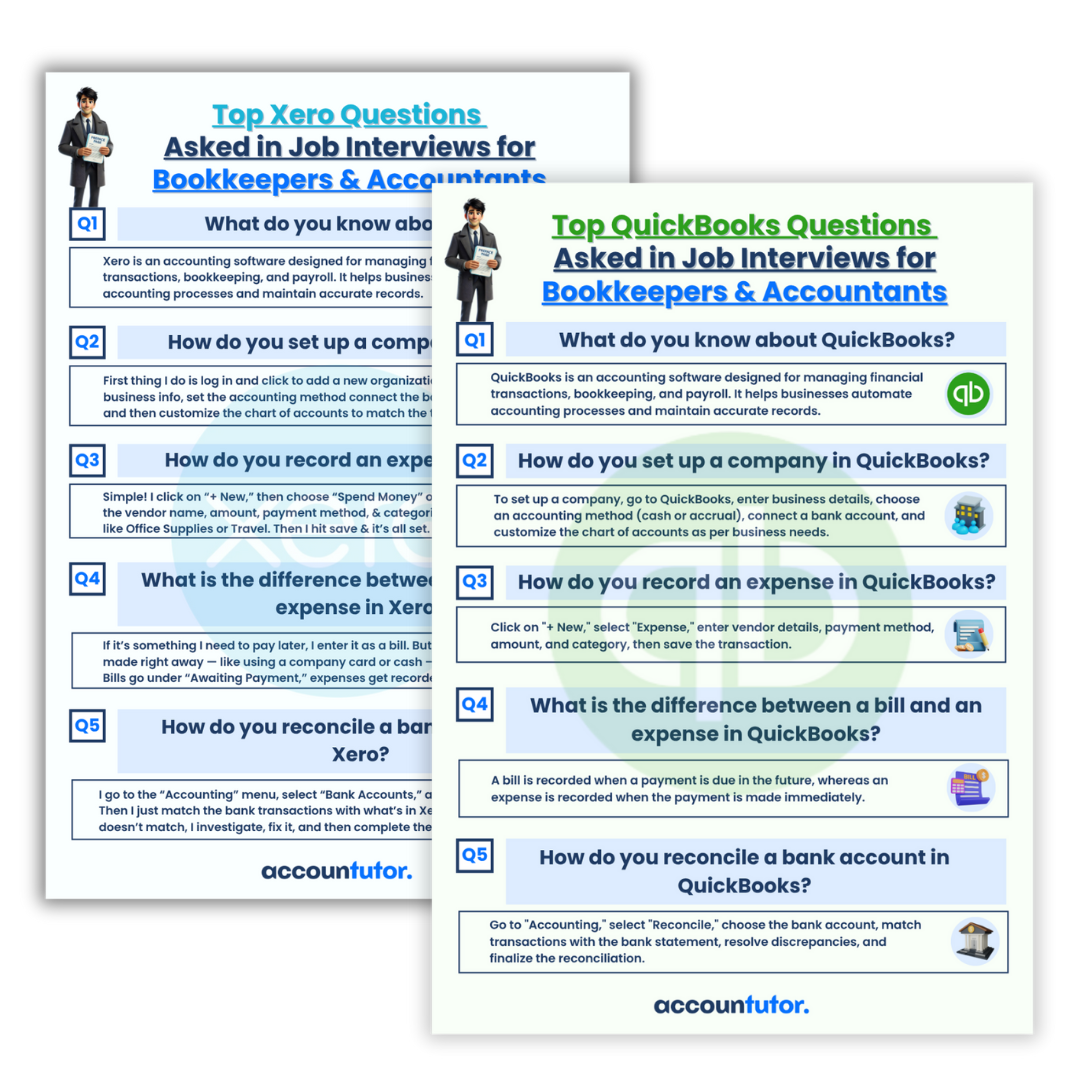
Ready to gain confidence and excel in your role? Resources like Accountutor offer courses on using AI for bookkeepers and accountants, alongside training for QuickBooks Online and Xero. Embrace these tools today to become the bookkeeper everyone wants to hire. 
FAQ
Q1: Can AI truly replace a human bookkeeper?
No, AI is a tool designed to assist and enhance a bookkeeper’s work, not replace it. It handles repetitive tasks, allowing human bookkeepers to focus on analysis, client relationships, and strategic advice.
Q2: How accurate is AI for financial tasks like journal entries?
AI can generate highly accurate journal entries if provided with clear and specific prompts. However, it’s crucial for a human to review and verify all AI-generated financial data to ensure compliance and correctness.
Q3: Is Claude AI difficult to learn for someone without tech experience?
Claude AI is designed to be user-friendly, relying on natural language prompts. If you can type a question or instruction, you can use Claude AI. Many platforms also offer tutorials to help you get started.
Q4: How can AI help me explain complex reports to clients?
You can paste your report data or a summary into Claude AI and ask it to explain the key takeaways in simple terms. It can condense complex financial jargon into easily digestible summaries for your clients.
Keywords: Claude AI, AI for bookkeepers, client communication, bookkeeping automation, accounting technology, professional emails, financial report explanation, AI tools for finance, communication checklist