
Are you a bookkeeper or accountant constantly swamped with tasks? From managing journal entries to clarifying financial reports for clients, the daily grind can feel overwhelming. Imagine having a smart assistant available 24/7, ready to streamline your workflow. That’s precisely the role AI, especially tools like Claude AI, can play in modern finance.
AI isn’t here to replace human expertise; it’s a powerful ally designed to enhance efficiency and accuracy. It acts as your personal digital assistant, providing quick, intelligent insights whenever you need them. Let’s explore how you can leverage these capabilities, specifically focusing on how to use Claude AI for invoice processing and other crucial bookkeeping tasks.
What is Claude AI, and Why Should Finance Professionals Care?
Claude AI is an advanced artificial intelligence tool adept at understanding and generating human-like text. It processes complex information, making it incredibly valuable for bookkeepers and accountants. With Claude AI, you can automate repetitive tasks, ensure greater accuracy, and free up precious time for strategic analysis.
This AI can handle real-world challenges, such as extracting data from documents, drafting communications, and summarizing intricate financial data. It transforms your daily operations, allowing you to work smarter, not harder. Think of Claude AI as an intelligent teammate with a deep understanding of financial processes, always ready to assist.
1. Streamlined Invoice Processing with Claude AI
Manual invoice processing often consumes a significant amount of time and is prone to human error. You can drastically simplify this with Claude AI. Instead of painstakingly entering each detail, you provide the invoice document to the AI.
Claude AI intelligently extracts critical information like vendor names, invoice numbers, amounts, dates, and even line-item descriptions. It can then help you generate accurate journal entries or prepare the data for direct import into your accounting software. This demonstrates precisely how to use Claude AI for invoice processing, making it faster and more precise than ever before.
2. Simplify Client Understanding of Financial Reports
Many clients struggle to interpret complex financial reports, often needing a simplified overview rather than raw data. You can easily overcome this challenge by feeding detailed reports into Claude AI. Ask it to summarize the key insights.
Claude AI will distill the information into an easy-to-understand summary you can share directly with clients. This not only saves you time but also enhances client satisfaction and confidence in your services. Clear communication becomes effortless.
3. Effortless Professional Email Drafting
Drafting professional emails, especially follow-ups or reminders, can be a time-consuming chore. Claude AI assists you in composing these communications in mere seconds. Simply provide a prompt, such as, “Draft a reminder email for an overdue invoice from XYZ Corp.”
Whether you need a thank-you note, a payment reminder, or a follow-up on missing documentation, Claude AI ensures you always have the right words. This feature allows you to maintain professional communication without the usual hassle.
4. Quick and Consistent Client Question Answering
Clients frequently ask similar questions, such as “Why is my cash flow different from my profit?” or “Do I really need to keep every single receipt?”. Manually crafting unique responses each time can be inefficient. Claude AI helps you develop clear, concise answers quickly.
You can even save these AI-generated responses as templates for future use, ensuring consistency and professionalism. This approach significantly reduces response times and helps you address client queries efficiently.
5. Enhancing QuickBooks and Xero Workflows
If you utilize QuickBooks Online or Xero for your bookkeeping, Claude AI can become an invaluable companion. It can help you interpret complex reports, explain specific transactions, or even summarize overall financial activity within your chosen software.
You don’t need to be a tech guru; simply ask your question in plain language, and Claude AI will provide guidance or relevant data. This integration streamlines your workflow and deepens your understanding of your financial data.
Mastering Claude AI for Finance
To truly unlock the potential of Claude AI, learning how to craft effective prompts is essential. Understanding the right questions to ask ensures you receive accurate and helpful results for tasks like invoice processing, report generation, and client communication. Investing in proper training can help you maximize its benefits.
By effectively integrating Claude AI into your daily operations, you can save countless hours each week. This not only reduces stress but also allows you to focus on higher-value activities and expand your service offerings. Embrace these smart tools to future-proof your accounting career.
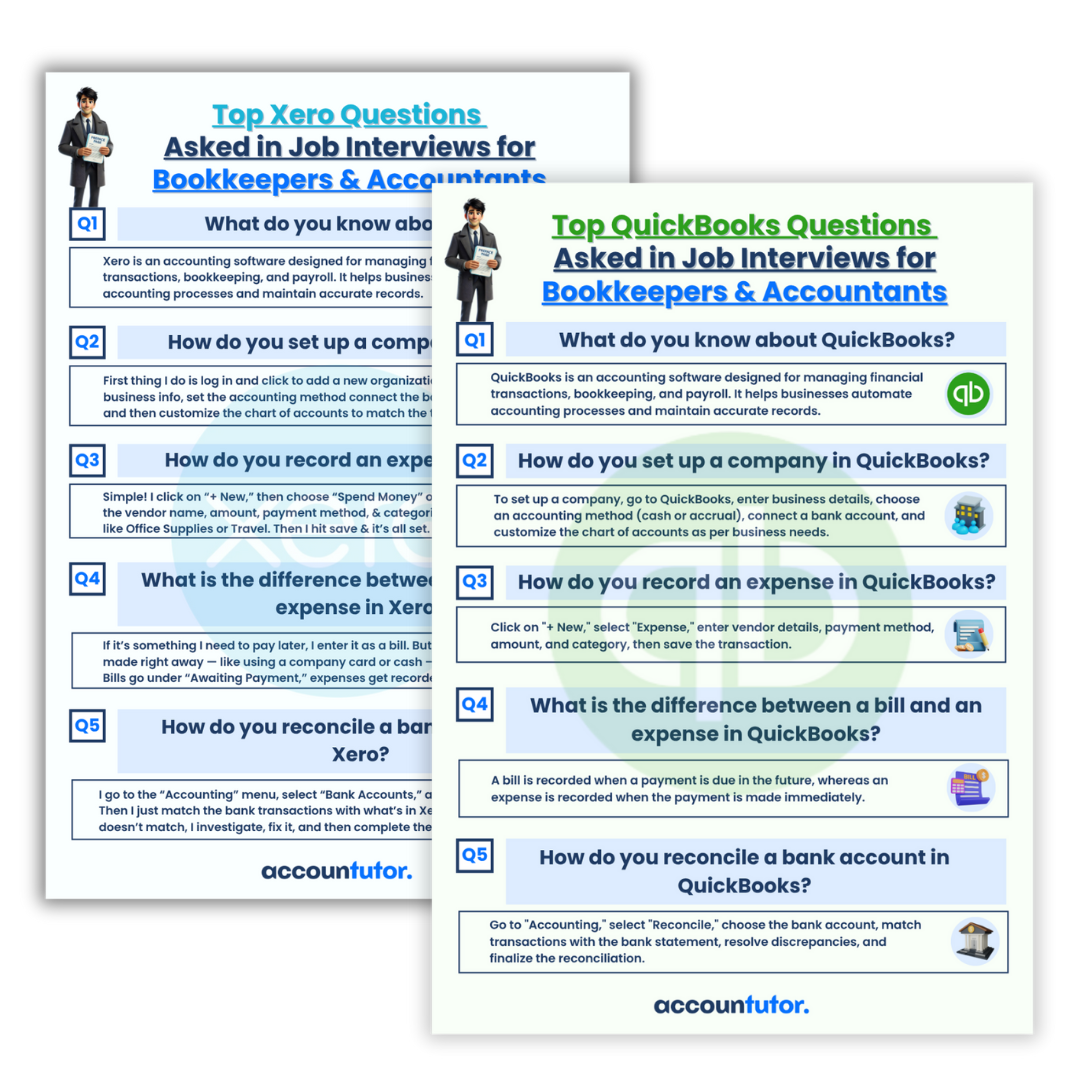
Become a Highly Sought-After Bookkeeper
Today’s most successful bookkeepers and accountants are those who embrace innovative tools like Claude AI. They complete tasks faster, serve clients more effectively, and proactively seek new opportunities. Using AI is a strategic move to advance your career.
By adopting these intelligent solutions, you not only boost your efficiency but also enhance the quality of your services. This ultimately positions you as a leading professional in the evolving financial landscape.

Why Choose Accountutor.com for AI & Accounting Training?
If you are ready to revolutionize your workflow, explore the specialized training available at Accountutor.com. Courses like “AI for Bookkeepers and Accountants” are specifically designed to equip you with the skills needed to master these new technologies. You can also find practical courses on QuickBooks Online, Xero Accounting, and Bookkeeping Basics.
Start your learning journey today and transform into the future-ready bookkeeper or accountant employers desire. Stay ahead of the curve by leveraging the power of AI in your daily tasks.

Frequently Asked Questions (FAQ)
Q1: Can Claude AI fully automate invoice processing?
A1: Claude AI significantly automates many aspects of invoice processing, such as data extraction and preliminary entry suggestions. However, human oversight remains crucial for final verification and complex decision-making to ensure accuracy and compliance.
Q2: Is Claude AI difficult for non-tech-savvy bookkeepers to use?
A2: Not at all! Claude AI is designed with a natural language interface, meaning you interact with it by typing questions or commands in plain English. Training courses can further simplify its adoption and effective use.
Q3: How does Claude AI ensure the security of financial data?
A3: Reputable AI providers, including those behind Claude AI, prioritize data security and privacy. When using AI for sensitive financial data, always ensure you understand the service’s data handling policies and compliance certifications. Consider anonymizing data where possible.
Q4: Can Claude AI integrate directly with my accounting software?
A4: While Claude AI doesn’t always offer direct, out-of-the-box integrations, it can act as a powerful intermediary. It processes information that you can then easily transfer or import into software like QuickBooks or Xero, often via CSV exports or copy-pasting, streamlining your data entry workflows.
Q5: What are the main benefits of using Claude AI for bookkeeping?
A5: The main benefits include increased efficiency through automation of repetitive tasks like invoice processing, enhanced accuracy, faster client communication, better report summarization, and more time for strategic financial analysis. It helps you deliver higher-quality service with less effort.
Keywords: Claude AI, invoice processing, bookkeeping, accounting automation, financial AI, AI for finance, journal entries, QuickBooks AI, Xero AI, client communication