Are you feeling overwhelmed by the constant demands of financial management? From meticulously tracking every expense to crafting a robust budget, keeping your finances in order can feel like a full-time job. But what if you had a smart, always-on assistant to lighten that load?
Welcome to the world of AI assistants! They’re transforming how we approach financial tasks, offering unparalleled efficiency and insight. Get ready to explore a comprehensive step-by-step guide to AI assistant for budgeting and discover how these powerful tools can revolutionize your financial life.

What is an AI Assistant and Why Does it Matter for Your Finances?
An AI assistant, like ChatGPT, is an intelligent tool that understands your queries and provides helpful, context-aware responses. Think of it as your personal financial co-pilot, available 24/7 to offer quick answers and assistance.
For bookkeepers, accountants, or anyone managing personal finances, this means less time on repetitive tasks and more focus on strategic decision-making. It’s not about replacing human expertise, but rather empowering it with cutting-edge technology.

Streamlining Your Financial Tasks with AI
AI assistants can handle a surprising array of financial duties, making your workflow smoother and more accurate. Let’s look at some key areas where they excel.
1. Simplify Transaction Tracking
Gone are the days of manually deliberating over debits and credits. With an AI assistant, you simply describe a transaction, like ‘Create a journal entry for $1,200 rent paid on May 1st from the bank,’ and it instantly generates the correct entry. This drastically speeds up the process for rent, sales, payroll, and other common transactions, minimizing errors and uncertainty.
2. Demystify Financial Reports
Many clients find financial reports confusing, wanting just the essential takeaways. Instead of spending valuable time translating complex data, you can ask your AI assistant to summarize key insights from a report. It delivers clear, concise explanations that clients can easily understand, enhancing their confidence in your work.
3. Optimize Communication
Crafting professional emails, especially reminders or follow-ups, can be time-consuming. An AI assistant can draft these messages in seconds. Simply prompt it with ‘Write a reminder email for missing receipts,’ and you’ll have a ready-to-send email, ensuring timely and professional communication for any occasion.
4. Get Instant Answers
Clients often ask recurring questions, such as ‘Why is my profit different from my bank balance?’ or ‘Do I really need to keep every receipt?’ Instead of formulating new responses each time, use your AI assistant to generate clear, standard answers. You can even save these as templates for quick, consistent replies.
5. Seamless Software Integration
If you use popular accounting software like QuickBooks Online or Xero, an AI assistant becomes an even more valuable ally. It can help you interpret reports, explain specific transactions, or provide overviews of your financial data within the software. You don’t need to be a tech guru; just ask your question, and the AI guides you.
Your Step-by-Step Guide to AI Assistant for Budgeting
Ready to take control of your finances? Here’s how an AI assistant can walk you through the budgeting process, making it intuitive and effective.
Step 1: Define Your Financial Goals
Start by telling your AI assistant what you want to achieve. For example, ‘Help me create a budget to save $5,000 for a down payment in 12 months’ or ‘I want to reduce my monthly spending by 15%.’ The AI can help you break down these goals into actionable targets.
Step 2: Track and Analyze Your Spending
Input your income and expenses into the AI assistant, or ask it to help you categorize transactions if connected to your banking data. Prompt it with questions like, ‘Analyze my spending from the last three months’ or ‘Identify areas where I can cut discretionary expenses.’ The AI will highlight patterns and suggest where you might be overspending.
Step 3: Forecast and Plan
Once you understand your current financial habits, use the AI to forecast future scenarios. Ask, ‘What would my savings look like if I cut my dining-out budget by $100 per month?’ or ‘Generate a monthly budget plan based on my average income and essential expenses.’ It provides data-driven projections to help you plan effectively.
Step 4: Optimize and Adjust
Budgeting isn’t a one-time task; it requires regular review. Use your AI assistant to check your progress against your goals, ‘How am I doing on my savings goal this month?’ or ‘Suggest adjustments to my budget based on recent income changes.’ This iterative process ensures your budget remains realistic and effective.
Become a Modern Financial Professional
Today’s financial landscape rewards efficiency and innovation. Professionals who embrace smart tools like AI assistants gain a significant edge. They complete tasks faster, serve clients better, and open doors to new growth opportunities.
Embracing AI means saving valuable time, reducing stress, and elevating the quality of service you provide. It’s the smart pathway forward for anyone aiming to excel in their financial career or manage personal wealth with greater confidence.
Empower Your Financial Journey
If you’re ready to make your financial work smarter and easier, resources like Accountutor.com can guide you. They offer specialized courses, such as ‘ChatGPT for Bookkeepers and Accountants,’ alongside training for QuickBooks Online and Xero Accounting.
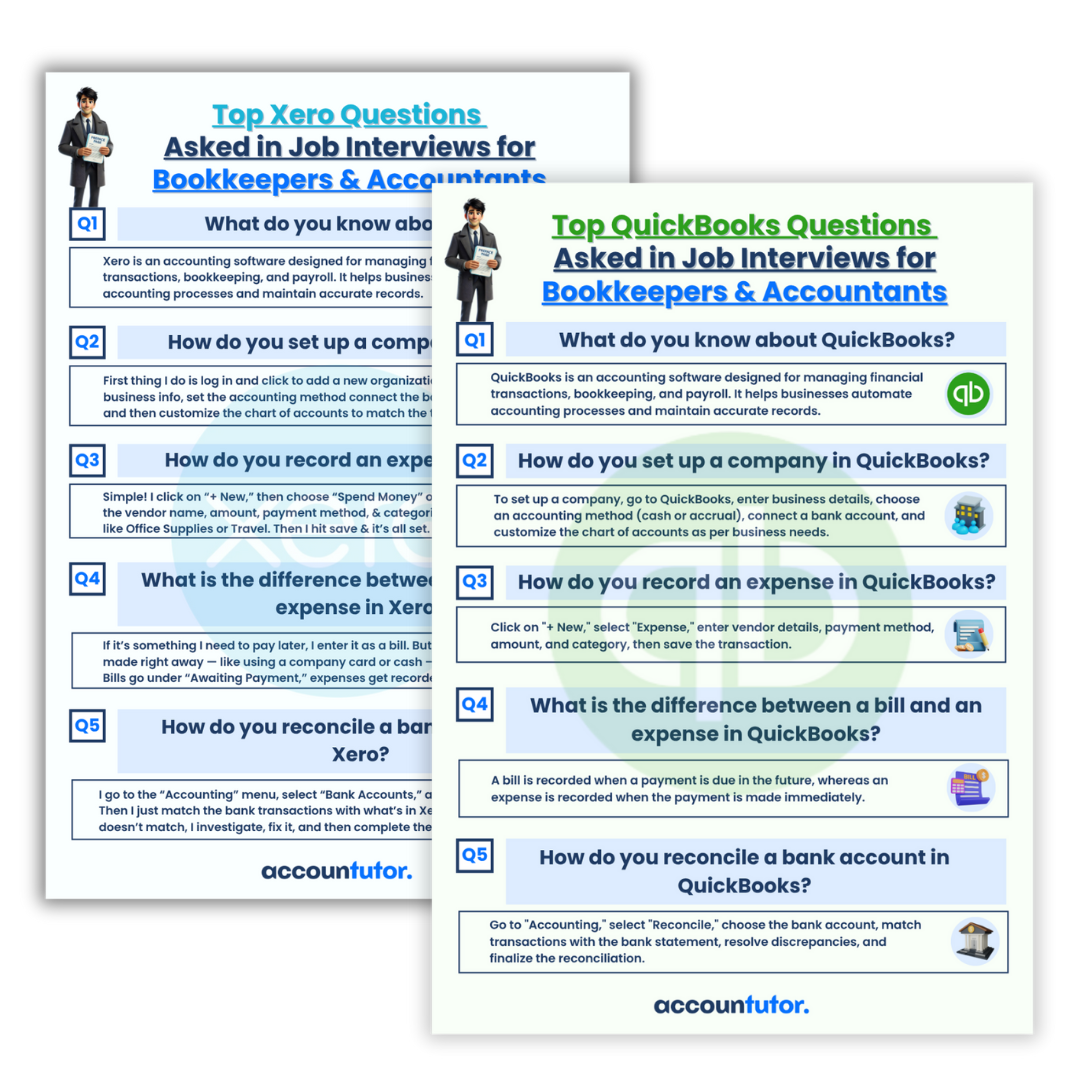
Additionally, you can find valuable interview preparation materials that cover practical tasks and common questions employers ask. These tools help you confidently discuss your skills and secure your next opportunity.

Frequently Asked Questions (FAQ)
Q1: What exactly is an AI assistant like ChatGPT?
An AI assistant is a sophisticated computer program designed to understand natural language and generate human-like text. It can answer questions, summarize information, write content, and perform various tasks based on the input it receives.
Q2: Can an AI assistant replace a human bookkeeper or accountant?
No, an AI assistant cannot replace a human bookkeeper or accountant. It serves as a powerful tool to automate repetitive tasks, provide insights, and assist with data processing, freeing up professionals to focus on strategic analysis, client relationships, and complex decision-making that require human judgment.
Q3: How does AI integrate with existing accounting software?
While direct, seamless integration can vary, AI assistants can work alongside accounting software like QuickBooks or Xero by processing data exported from these platforms or by helping users understand and interpret reports generated by them. You can ask the AI questions about your software’s features or data.
Q4: Is my financial data safe with an AI assistant?
When using an AI assistant, it’s crucial to be mindful of data privacy. Avoid sharing highly sensitive personal or client financial information directly. Instead, use the AI for general advice, summarizing anonymized data, or generating templates. Always adhere to data protection best practices and your company’s privacy policies.
Q5: How can AI help me with budgeting specifically?
AI assists with budgeting by helping you set goals, analyze spending patterns, forecast future finances, and suggest adjustments to your budget. You can prompt it to categorize expenses, identify areas for savings, and create detailed spending plans based on your income and objectives, acting as your personal budgeting coach.
Ready to Transform Your Finances?
The future of financial management is here, powered by AI. By embracing these intelligent assistants, you don’t just keep up with the times; you get ahead. Start your journey today and experience the incredible difference an AI assistant can make for your budgeting and overall financial productivity!
Keywords: AI assistant, budgeting guide, financial planning, expense tracking, money management, ChatGPT for finance, bookkeeping AI, smart budgeting, financial tools, AI for business